
Fixing CloudFormation Circular Dependency Errors in AWS Amplify Gen 2.
TLDR
When your Lambda function needs both Cognito access AND is used as a data handler, use resourceGroupName: "auth" in your function definition to avoid circular dependencies.
The Problem
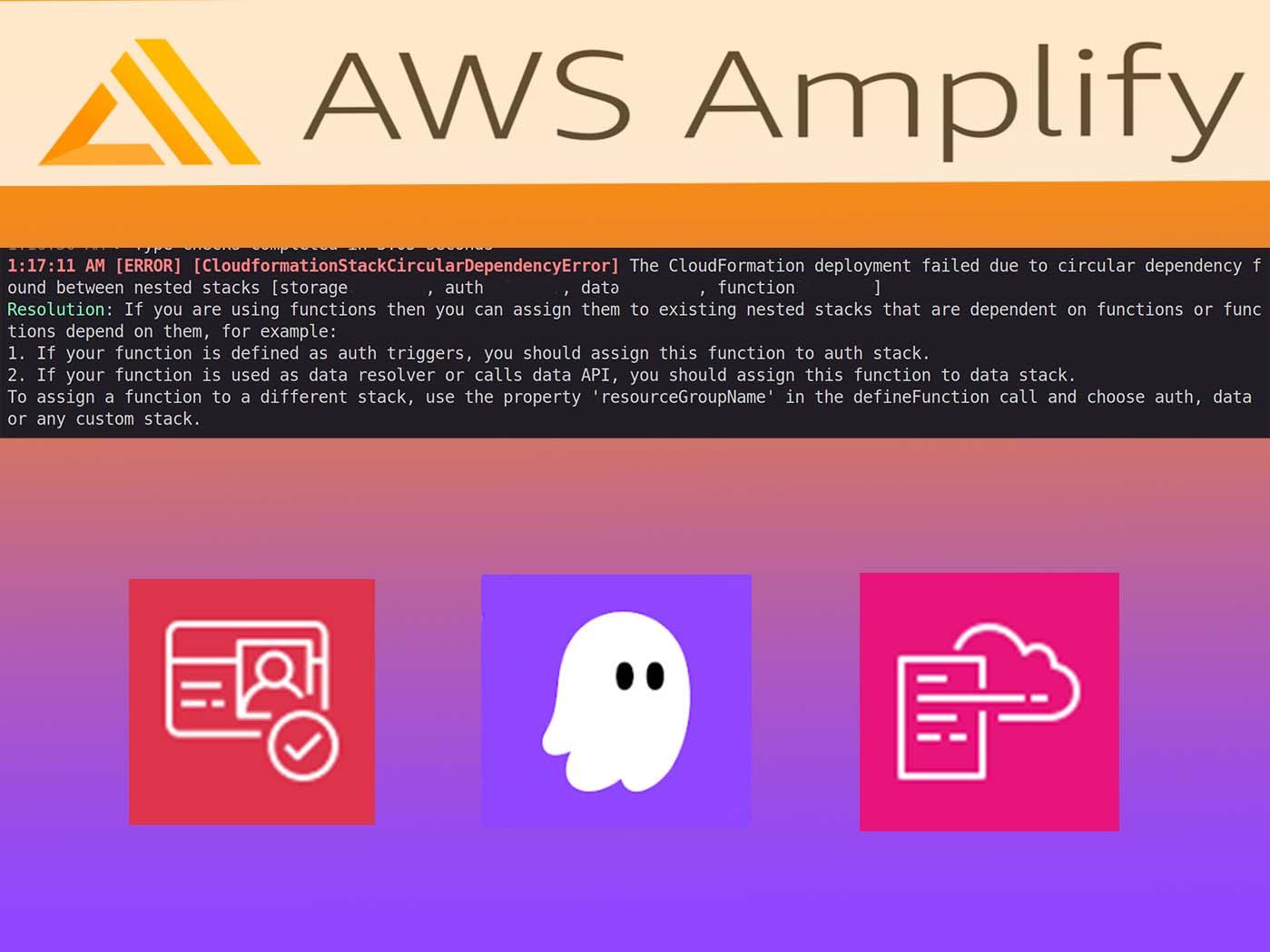
If you're building with AWS Amplify Gen 2 and creating Lambda functions that interact with Cognito (for user management, group operations, etc.) while also using them as GraphQL resolvers, you've probably hit this frustrating error:
[ERROR] [CloudformationStackCircularDependencyError]
The CloudFormation deployment failed due to circular dependency found
between nested stacks [storage0YH5D, auth17956DE9, data74490FG5R, function164FR5G3]
This happens because Amplify Gen 2 organizes resources into separate CloudFormation nested stacks:
- Auth stack - Cognito User Pool, groups, triggers.
- Data stack - AppSync API, DynamoDB tables, resolvers.
- Function stack - Lambda functions (by default).
- Storage stack - S3 buckets.
When your function needs resources from multiple stacks, CloudFormation can't determine the deployment order, creating a circular dependency.
Real-World Scenario
I was building an admin panel for user role management. The Lambda functions needed to:
- Call Cognito APIs (AdminAddUserToGroup, ListUsersInGroup, etc.).
- Be used as GraphQL mutation/query handlers in the data schema.
Here's what my initial setup looked like:
// amplify/functions/add-user-to-group/resource.ts
export const addUserToGroup = defineFunction({
  name: "add-user-to-group",
  entry: "./handler.ts",
});

// amplify/auth/resource.ts
export const auth = defineAuth({
  // ...
  access: (allow) => [
    allow.resource(addUserToGroup).to(["addUserToGroup", "listUsers"]),
  ],
});

// amplify/data/resource.ts - using the function as a handler
addUserToGroup: a
  .mutation()
  .handler(a.handler.function(addUserToGroup))
  .authorization((allow) => [allow.group("ADMINS")]),
Result: Circular dependency error. The auth stack imports the function, the data stack imports the function, and the function stack depends on both 💥.
The Solution: resourceGroupName
Amplify Gen 2 provides a simple but powerful property: resourceGroupName. This tells Amplify which nested stack to place your function in.
The Fix
// amplify/functions/add-user-to-group/resource.ts
export const addUserToGroup = defineFunction({
  name: "add-user-to-group",
  entry: "./handler.ts",
  resourceGroupName: "auth", // ← This is the magic line
});
By placing the function in the auth stack, we break the circular dependency:
- The function is now part of the auth stack, not a separate dependency.
- The data stack can still reference it as a handler.
- Auth permissions are granted within the same stack.
Complete Working Example 1
1. Function Definition
// amplify/functions/add-user-to-group/resource.ts
import { defineFunction } from "@aws-amplify/backend";

export const addUserToGroup = defineFunction({
  name: "add-user-to-group",
  entry: "./handler.ts",
  timeoutSeconds: 30,
  memoryMB: 256,
  resourceGroupName: "auth", // Place in auth stack
});
2. Auth Resource with Access Grants
// amplify/auth/resource.ts
import { defineAuth } from "@aws-amplify/backend";
import { addUserToGroup } from "../functions/add-user-to-group/resource";

export const auth = defineAuth({
  loginWith: { email: true },
  groups: ["ADMINS", "EDITORS"],
  access: (allow) => [
    allow.resource(addUserToGroup).to(["addUserToGroup", "listUsers"]),
  ],
});
3. Data Schema Using the Function
// amplify/data/resource.ts
import { addUserToGroup } from "../functions/add-user-to-group/resource";

const schema = a.schema({
  addUserToGroup: a
    .mutation()
    .arguments({
      email: a.string().required(),
      groupName: a.string().required(),
    })
    .returns(
      a.customType({
        success: a.boolean(),
        message: a.string(),
      })
    )
    .handler(a.handler.function(addUserToGroup))
    .authorization((allow) => [allow.group("ADMINS")]),
});
4. Lambda Handler
// amplify/functions/add-user-to-group/handler.ts
import {
  CognitoIdentityProviderClient,
  AdminAddUserToGroupCommand,
  ListUsersCommand,
} from "@aws-sdk/client-cognito-identity-provider";
import { env } from "$amplify/env/add-user-to-group";

const cognitoClient = new CognitoIdentityProviderClient({});

export const handler = async (event) => {
  const { email, groupName } = event.arguments;

  // Look up user by email
  const listUsersResponse = await cognitoClient.send(
    new ListUsersCommand({
      UserPoolId: env.AMPLIFY_AUTH_USERPOOL_ID, // Auto-injected by Amplify
      Filter: `email = "${email}"`,
    })
  );

  const username = listUsersResponse.Users?.[0]?.Username;

  // Add to group
  await cognitoClient.send(
    new AdminAddUserToGroupCommand({
      UserPoolId: env.AMPLIFY_AUTH_USERPOOL_ID,
      Username: username,
      GroupName: groupName,
    })
  );

  return { success: true, message: `User added to ${groupName}` };
};
5. Don't Forget the package.json
// amplify/functions/add-user-to-group/package.json
{
  "name": "add-user-to-group",
  "type": "module",
  "dependencies": {
    "@aws-sdk/client-cognito-identity-provider": "^3.0.0"
  }
}
Run npm install in the function directory!
Example 2: Storage + Data Circular Dependency
Another common scenario is when a Lambda function needs to access both Storage (S3) and Data (DynamoDB). This happens frequently with scheduled cleanup jobs, file processing pipelines, or any function that manages files while tracking state in a database.
The Scenario
I was building a scheduled cleanup function that:
- Queries DynamoDB to find old voice recording sessions
- Deletes the associated audio files from S3
- Updates the session records to clear the recording references
The Initial (Broken) Setup
My first attempt used allow.resource() in the storage definition:
// amplify/storage/resource.ts
import { defineStorage } from "@aws-amplify/backend";
import { recordingCleanup } from "../functions/recording-cleanup/resource";

export const storage = defineStorage({
  name: "my-app-storage",
  access: (allow) => ({
    "audio/*": [
      allow.authenticated.to(["read", "write"]),
      allow.resource(recordingCleanup).to(["read", "delete"]), // ← Problem!
    ],
  }),
});
// amplify/functions/recording-cleanup/resource.ts
import { defineFunction } from "@aws-amplify/backend";

export const recordingCleanup = defineFunction({
  name: "recording-cleanup",
  entry: "./handler.ts",
  schedule: "every week",
  resourceGroupName: "data", // Function needs DynamoDB access
});
// amplify/backend.ts - granting DynamoDB permissions
backend.recordingCleanup.resources.lambda.addToRolePolicy(
  new PolicyStatement({
    actions: ["dynamodb:Query", "dynamodb:Scan", "dynamodb:UpdateItem"],
    resources: [backend.data.resources.tables["Session"].tableArn],
  })
);
Result: Circular dependency error between storage and data stacks 💥
Why It Fails
The dependency chain creates a loop:
- Storage imports
recordingCleanupfunction → storage depends on function - Function is in
datastack and references data tables inbackend.ts→ data stack is involved - backend.ts references
backend.storagefor the function → data depends on storage
CloudFormation can't resolve this circular reference.
The Fix: Choose Primary Stack, Grant Secondary via CDK
The solution is to remove the import dependency from storage and grant S3 permissions via CDK instead:
// amplify/storage/resource.ts - NO function import
import { defineStorage } from "@aws-amplify/backend";

export const storage = defineStorage({
  name: "my-app-storage",
  access: (allow) => ({
    "audio/*": [
      allow.authenticated.to(["read", "write"]),
      // Function access granted via CDK in backend.ts
    ],
  }),
});
// amplify/functions/recording-cleanup/resource.ts
import { defineFunction } from "@aws-amplify/backend";

export const recordingCleanup = defineFunction({
  name: "recording-cleanup",
  entry: "./handler.ts",
  schedule: "every week",
  resourceGroupName: "data", // Keep in data stack (primary resource)
});
// amplify/backend.ts - grant BOTH permissions via CDK
import { PolicyStatement } from "aws-cdk-lib/aws-iam";

// DynamoDB permissions
backend.recordingCleanup.resources.lambda.addToRolePolicy(
  new PolicyStatement({
    actions: ["dynamodb:Query", "dynamodb:Scan", "dynamodb:UpdateItem"],
    resources: [
      backend.data.resources.tables["Session"].tableArn,
      `${backend.data.resources.tables["Session"].tableArn}/index/*`,
    ],
  })
);

// S3 permissions (instead of allow.resource())
backend.recordingCleanup.resources.lambda.addToRolePolicy(
  new PolicyStatement({
    actions: ["s3:DeleteObject", "s3:GetObject", "s3:ListBucket"],
    resources: [
      backend.storage.resources.bucket.bucketArn,
      `${backend.storage.resources.bucket.bucketArn}/*`,
    ],
  })
);

// Pass bucket name as environment variable
(
  backend.recordingCleanup.resources
    .lambda as import("aws-cdk-lib/aws-lambda").Function
).addEnvironment(
  "STORAGE_BUCKET_NAME",
  backend.storage.resources.bucket.bucketName
);
// amplify/functions/recording-cleanup/handler.ts
import { S3Client, DeleteObjectCommand } from "@aws-sdk/client-s3";

const s3Client = new S3Client({});
const BUCKET_NAME = process.env.STORAGE_BUCKET_NAME!;

export const handler = async () => {
  // Query DynamoDB for old sessions...
  // Delete from S3 using BUCKET_NAME...
};
Why This Works
By removing the allow.resource() import from storage:
- Storage no longer depends on the function definition
- Function stays in
datastack (its primary resource) - S3 permissions flow one-way: data stack → storage resources
- No circular dependency!
Decision Guide Update
| Function needs... | resourceGroupName | Grant access via |
|---|---|---|
| Cognito operations | "auth" | auth.access callback |
| Data API / AppSync | "data" | Schema .authorization() |
| Storage (S3) only | "storage" | storage.access with allow.resource() |
| Both Data AND Storage | "data" | Data via schema, S3 via CDK |
| Both Auth AND Data handler | "auth" | Auth via access callback |
Key Takeaway
When your function needs multiple resource types, pick the primary stack and grant secondary permissions via CDK. The allow.resource() pattern is convenient but creates import dependencies that can cause circular references. CDK's addToRolePolicy() creates one-way IAM dependencies that CloudFormation can resolve.x
Decision Guide
| Your function needs... | Use resourceGroupName | Why |
|---|---|---|
| Cognito operations | "auth" | Function joins auth stack, gets permissions via access callback |
| Data API / AppSync | "data" | Function joins data stack, gets permissions via schema authorization |
| Storage (S3) only | "storage" | storage.access with allow.resource() |
| Both Cognito AND Data handler | "auth" | Prioritize auth since Cognito permissions require the access callback |
| Both Data AND Storage | "data" | Data via schema, S3 via CDK |
| Auth trigger (pre-signup, etc.) | "auth" | Must be in same stack as auth resource |
| Only S3 access | (default) | Use IAM policies in backend.ts |
Common Mistakes to Avoid
❌ Don't manually grant IAM policies when access callback works
// DON'T DO THIS for auth operations
backend.myFunction.resources.lambda.addToRolePolicy(
  new PolicyStatement({
    actions: ["cognito-idp:AdminAddUserToGroup"],
    resources: [userPoolArn],
  })
);
✅ Do use the Amplify-native access callback
// DO THIS instead
export const auth = defineAuth({
  access: (allow) => [allow.resource(myFunction).to(["addUserToGroup"])],
});
The access callback:
- Automatically injects
AMPLIFY_AUTH_USERPOOL_IDenvironment variable. - Grants least-privilege IAM permissions.
- Works seamlessly with
resourceGroupName: "auth".
Debugging Tips
-
Check your imports - Make sure auth/resource.ts and data/resource.ts are importing from the same function definition file.
-
Verify resourceGroupName - The value must be exactly
"auth"or"data"(lowercase strings). -
Clear the sandbox - Sometimes you need to delete and recreate:
npx ampx sandbox delete && npx ampx sandbox. -
Check CloudFormation - In AWS Console, look at the nested stacks to see where resources ended up.
Preventing This Error with Kiro Steering Docs
After hitting this error multiple times, I decided to create a steering document using Kiro - an AI-powered IDE that supports contextual guidance through steering files.
What are Steering Docs?
Steering docs are markdown files that provide context-aware guidance to AI assistants. They live in your .kiro/steering/ directory and can be:
- Always included - Applied to every AI interaction.
- File-matched - Only included when working on specific files.
- Manual - Included on-demand via context keys.
Creating a Circular Dependency Prevention Steering Doc
I created .kiro/steering/amplify-circular-dependency.md with file matching:
---
inclusion: fileMatch
fileMatchPattern: "amplify/**/*.ts"
---

# Amplify Gen 2 Circular Dependency Prevention

## Checklist Before Creating Lambda Functions

- [ ] Does this function need Cognito access? → Use `resourceGroupName: "auth"`
- [ ] Does this function need Data API access? → Use `resourceGroupName: "data"`
- [ ] Is this function used as a data handler AND needs Cognito? → Use `resourceGroupName: "auth"`

## Decision Matrix

| Function needs...  | resourceGroupName | Grant access via          |
| ------------------ | ----------------- | ------------------------- |
| Cognito operations | `"auth"`          | `auth.access` callback    |
| Data API / AppSync | `"data"`          | Schema `.authorization()` |
| Storage (S3) only  | (default)         | `backend.ts` IAM policy   |
| Auth trigger       | `"auth"`          | `auth.triggers`           |
How It Works
Now, whenever I (or the AI assistant) work on any file in the amplify/ directory, Kiro automatically includes this guidance. The AI is reminded to:
- Check if the function needs Cognito access.
- Use the correct
resourceGroupName. - Grant permissions via the appropriate mechanism.
This has completely eliminated the circular dependency errors from my workflow. The AI catches the issue before it happens, not after a failed deployment.
Why This Matters
- Proactive prevention - Catch issues before they cause deployment failures.
- Team knowledge sharing - New team members get the same guidance.
- AI-assisted development - The AI learns your project's patterns.
- Living documentation - Steering docs evolve with your codebase.
Check out Kiro to add steering docs to your own projects and prevent recurring errors like this one.
Conclusion
The resourceGroupName property is a simple but essential tool for managing complex Amplify Gen 2 backends. When your Lambda functions need to interact with multiple Amplify resources (auth, data, storage), think about which stack they belong in to avoid circular dependencies.
Rule of thumb: If your function needs Cognito access, put it in the auth stack. If it needs Data API access, put it in the data stack. If it needs both, auth usually wins because Cognito permissions require the access callback.
And if you want to prevent this error from ever happening again, use Kiro steering docs to encode this knowledge directly into your development workflow.