
React's key prop, explained by Kent C. Dodds
I am not going to re-explain this one. Kent C. Dodds
already wrote the clearest explanation of React's key prop I have read, and the
useful thing I can do is send you straight to it:
If you prefer video, the companion lesson is Use the key prop when Rendering a List with React on egghead.io, part of The Beginner's Guide to ReactJS.
The part I reach for most
key is not only there to silence the console warning when you render an array.
It is the one prop that tells React this is a different instance — same element
type, new identity. React unmounts the old one and mounts a new one, so its
state, its effects, and even native form state like defaultValue all start
over.
That turns key into a reset button:
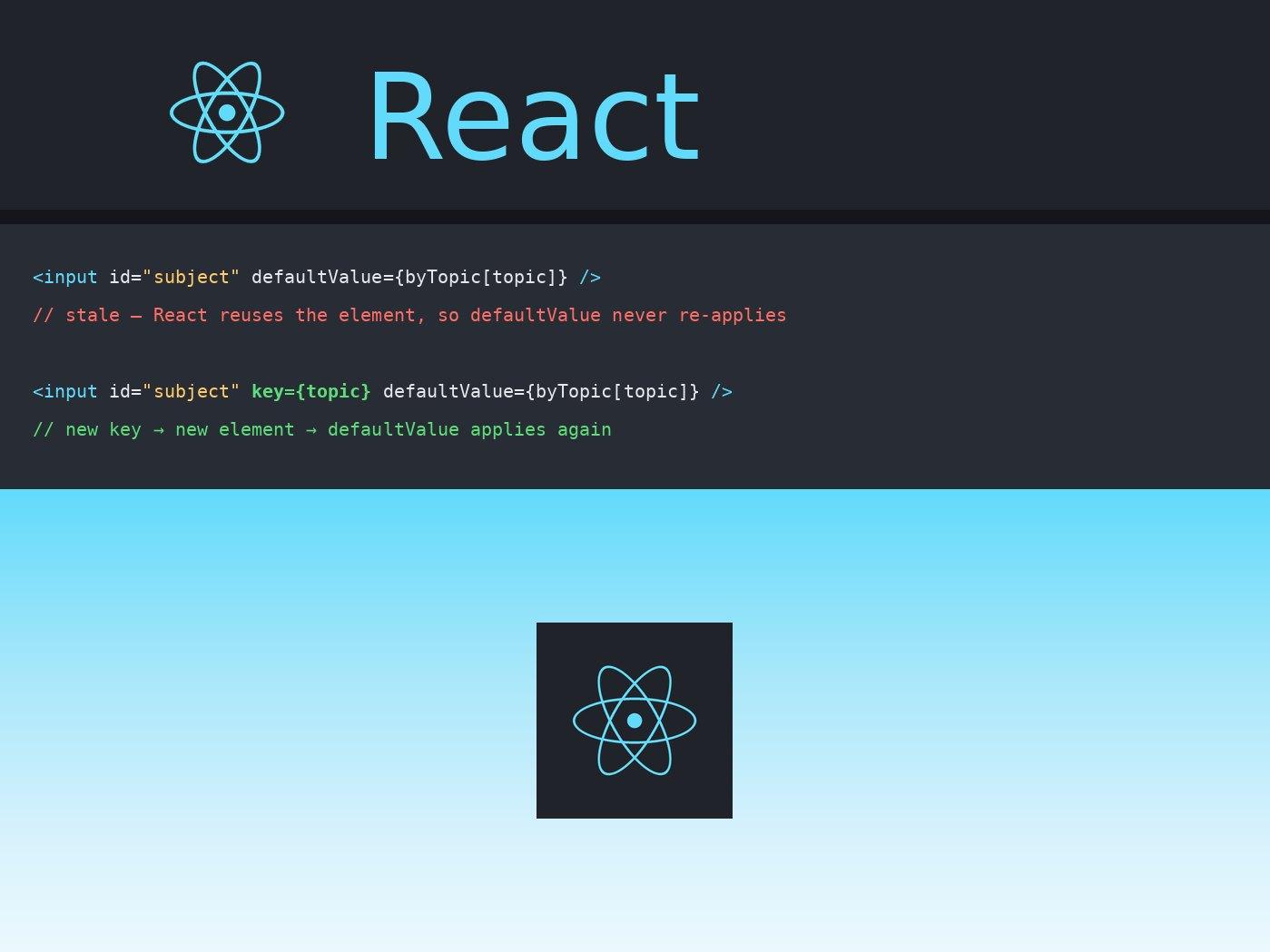
<input id="subject" key={topic} defaultValue={defaultValuesByTopic[topic]} />
Change topic and the input is rebuilt with the new default instead of holding
on to whatever the reader typed. Drop the key and React reuses the same
element, so defaultValue never applies a second time.
Kent walks through the same idea with component state and an annotated mount/unmount log, which is what made it click for me. Read it on his site.
Since the original is already in English, republishing it here would only compete with it. What I have done instead is translate it into Spanish — a language it was not available in — with attribution and a link back to the original.