
Attempted import error: 'useForm' is not exported from 'react-hook-form'.
TLDR
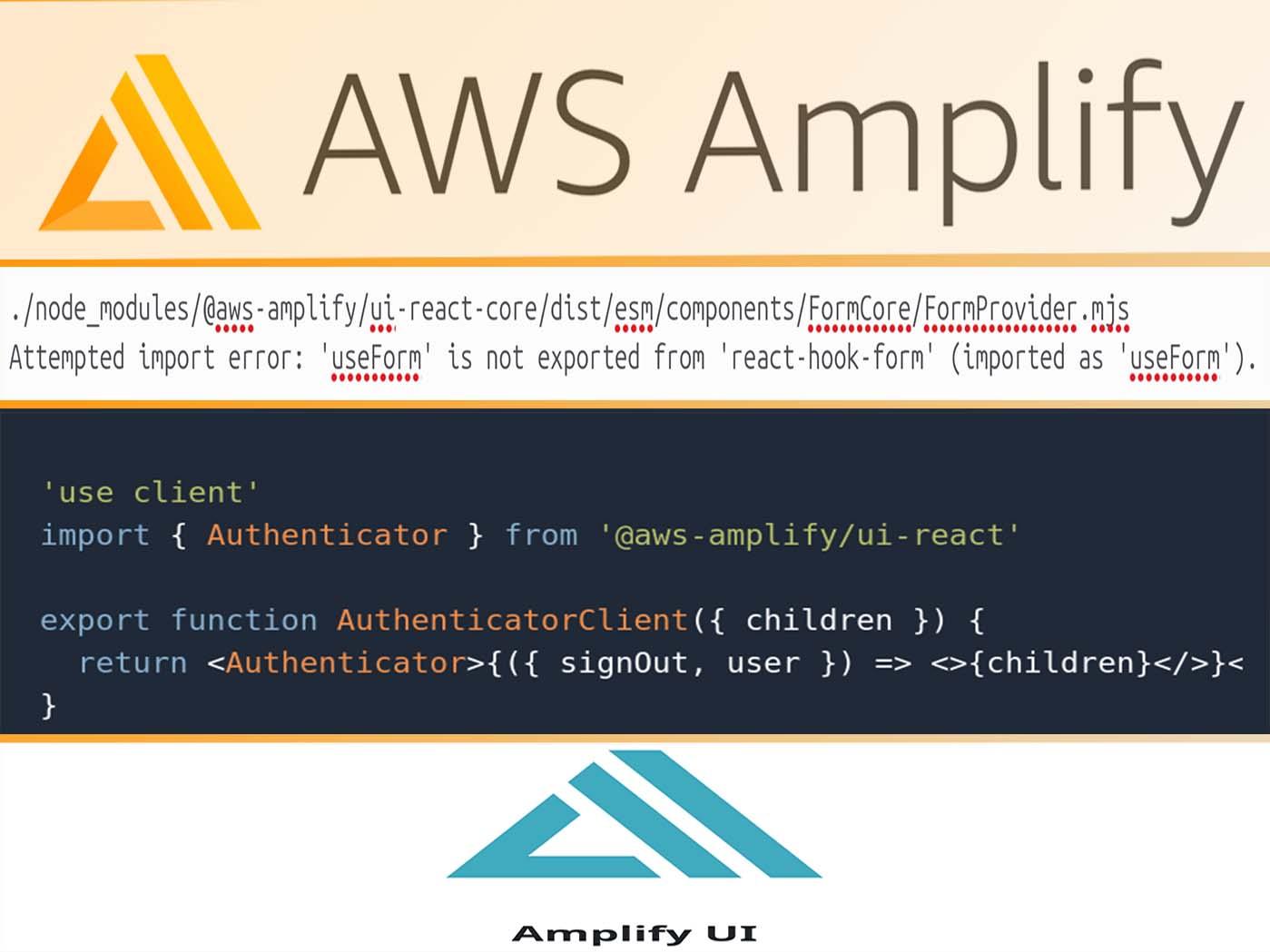
To fix Attempted import error: 'useForm' is not exported from 'react-hook-form' (imported as 'useForm') add 'use client' to your client component wrapper like:
'use client'
import { Authenticator } from '@aws-amplify/ui-react'

export function AuthenticatorClient({ children }) {
  return <Authenticator>{({ signOut, user }) => <>{children}</>}</Authenticator>
}
Fixing "Attempted import error: 'useForm' is not exported from 'react-hook-form' (imported as 'useForm')".
When using AWS Amplify, Amplify UI and NextJS you may encounter the following error:
./node_modules/@aws-amplify/ui-react-core/dist/esm/components/FormCore/FormProvider.mjs
Attempted import error: 'useForm' is not exported from 'react-hook-form' (imported as 'useForm').
It is realted to having to use a client side component in a server component, like the Authenticator from the Amplify UI library.
To solve the error add 'use client' to your client component wrapper, as explained in the NextJS documentation, when
using third party packages and providers that use ReactJS client-only features like useState and don't implement the 'use client' directive.
'use client'
import { Authenticator } from '@aws-amplify/ui-react'

export function AuthenticatorClient({ children }) {
  return <Authenticator>{({ signOut, user }) => <>{children}</>}</Authenticator>
}