
Fixing 'Could not resolve' Errors for Lambda Function Dependencies in AWS Amplify Gen 2.
TLDR
Lambda functions with their own package.json need dependencies installed before esbuild bundles them. Add a preBuild phase to amplify.yml that runs npm ci in each function directory. Also exclude amplify/**/* from your root tsconfig.json.
Intro
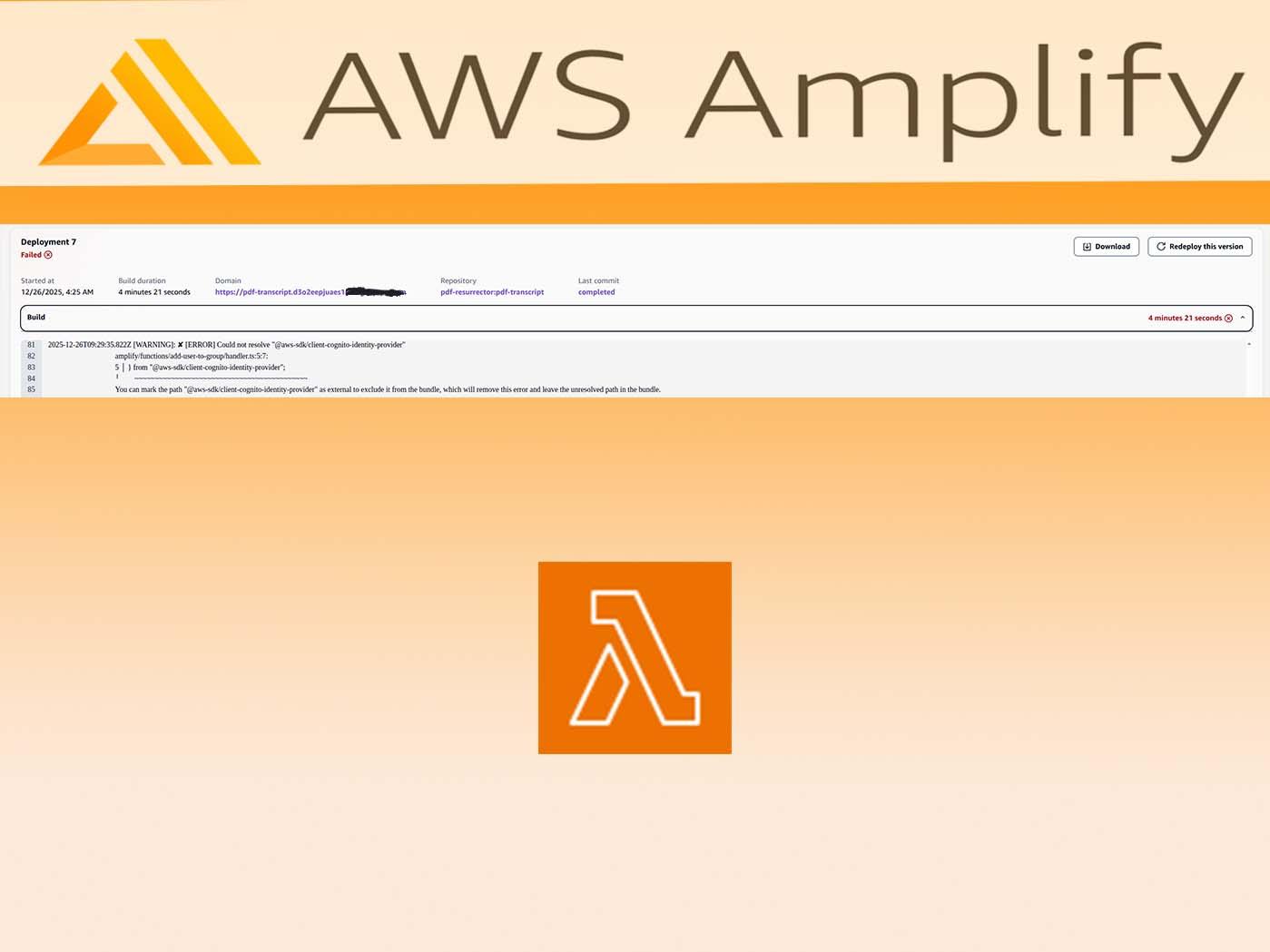
If you're deploying an AWS Amplify Gen 2 app and hitting errors like this during ampx pipeline-deploy:
✘ [ERROR] Could not resolve "@aws-sdk/client-cognito-identity-provider"

amplify/functions/add-user-to-group/handler.ts:5:7:
  5 │ } from "@aws-sdk/client-cognito-identity-provider";
    ╵        ~~~~~~~~~~~~~~~~~~~~~~~~~~~~~~~~~~~~~~~~~~~
You're not alone. This is a common gotcha when your Lambda functions have their own package.json with dependencies.
The Problem
Amplify Gen 2 uses esbuild to bundle your Lambda functions. When you define a function with defineFunction() and it has dependencies in its own package.json, those dependencies need to be installed before esbuild can bundle them.
Here's a typical function structure:
amplify/
  functions/
    my-function/
      handler.ts      # imports @aws-sdk/client-cognito-identity-provider
      resource.ts     # defineFunction() config
      package.json    # declares the dependency
The issue: during CI/CD deployment, npm ci only installs root-level dependencies. Your function's node_modules folder doesn't exist, so esbuild fails.
The Solution
Add a preBuild phase to your amplify.yml that installs dependencies for all Lambda functions:
version: 1
backend:
  phases:
    preBuild:
      commands:
        - npm ci --cache .npm --prefer-offline
        # Install dependencies for all Lambda functions
        - |
          for dir in amplify/functions/*/; do
            if [ -f "$dir/package.json" ]; then
              echo "Installing dependencies in $dir"
              (cd "$dir" && npm ci)
            fi
          done
    build:
      commands:
        - npx ampx pipeline-deploy --branch $AWS_BRANCH --app-id $AWS_APP_ID
frontend:
  phases:
    preBuild:
      commands:
        - npm ci --cache .npm --prefer-offline
    build:
      commands:
        - npm run build
  artifacts:
    baseDirectory: .next
    files:
      - "**/*"
  cache:
    paths:
      - .npm/**/*
      - node_modules/**/*
      - .next/cache/**/*
The key is the loop that finds every function directory with a package.json and runs npm ci in it.
Bonus: The "$amplify/env" Error
You might also see this error:
error TS2307: Cannot find module '$amplify/env/my-function' or its corresponding type declarations.
This happens when your root tsconfig.json picks up the amplify directory. The fix is to exclude it:
{
  "exclude": ["node_modules", "amplify/**/*"]
}
Note the amplify/**/* pattern (not just amplify). Amplify handles its own TypeScript compilation using amplify/tsconfig.json.
Why This Happens
Amplify Gen 2 generates environment variable type definitions in .amplify/generated/env/. These files are:
- Generated during
ampx sandboxorampx pipeline-deploy - Gitignored (they contain deployment-specific values)
- Referenced via the
$amplify/*path alias inamplify/tsconfig.json
During CI/CD, these files don't exist until the deploy command generates them. If your root tsconfig tries to compile the amplify directory first, it fails because the generated files aren't there yet.
Quick Checklist
- Each function has its own
package.jsonwith dependencies - Each function has a
package-lock.json(committed to git) amplify.ymlhas a preBuild phase that installs function dependencies- Root
tsconfig.jsonexcludesamplify/**/* amplify/tsconfig.jsonhas the$amplify/*path mapping
Function Package.json Example
{
  "name": "my-function",
  "version": "1.0.0",
  "type": "module",
  "dependencies": {
    "@aws-sdk/client-cognito-identity-provider": "^3.0.0"
  }
}
Keep it minimal - only include what the function actually needs.
Hope this saves you some debugging time! The Amplify Gen 2 DX is great once you know these patterns.