
Fixing 'No space left on device' Error in AWS Amplify Sandbox on Linux
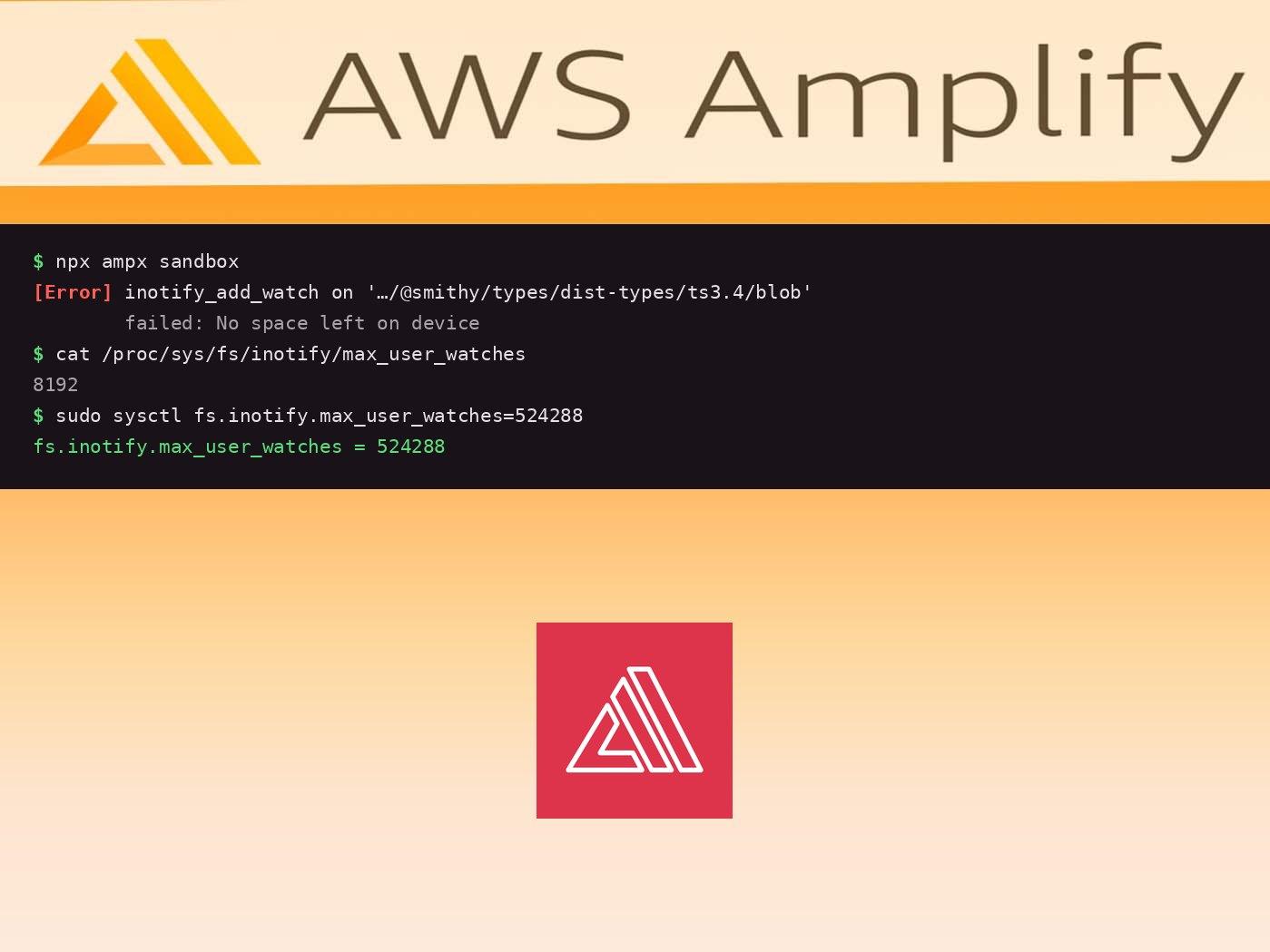
If you're running AWS Amplify Gen 2 sandbox on Linux and encounter this cryptic error, you're not alone:
[Error] inotify_add_watch on '/home/code/Documents/DevCourses/back-to-fluency-ai/amplify/auth/post-confirmation/node_modules/@aws-amplify/data-construct/node_modules/@aws-amplify/ai-constructs/node_modules/@aws-sdk/types/node_modules/@smithy/types/dist-types/ts3.4/blob' failed: No space left on device
The error message is misleading - this has nothing to do with disk space. Your hard drive could be completely empty and you'd still see this error.
The Real Problem: inotify Watchers
The Amplify sandbox uses file watchers to detect changes in your code and automatically redeploy. On Linux, file watching is handled by the inotify system, which has a default limit on how many files can be monitored simultaneously.
Modern JavaScript projects with deeply nested node_modules dependencies can easily exceed this limit. In the error above, you can see the path goes through multiple nested node_modules folders - each one adding to the watcher count.
The Quick Fix
Check your current limit:
cat /proc/sys/fs/inotify/max_user_watches
You'll probably see something like 8192 or 65536 - not nearly enough for a large project.
Temporary Fix (Until Reboot)
sudo sysctl fs.inotify.max_user_watches=524288
This increases the limit to 524,288 watchers, which should be more than enough for most projects.
Permanent Fix
To make this change persist across reboots:
echo fs.inotify.max_user_watches=524288 | sudo tee -a /etc/sysctl.conf
sudo sysctl -p
This appends the configuration to /etc/sysctl.conf and reloads the settings.
Alternative: Exclude node_modules from Watching
If you don't want to (or can't) increase the system limit, you can tell Amplify to ignore node_modules:
npx ampx sandbox --exclude "**/node_modules/**"
This makes sense because:
- You rarely modify files inside
node_modulesduring development - Dependencies don't change unless you run
npm install - Excluding them dramatically reduces the number of watchers needed
You can add this to your package.json scripts for convenience:
{
  "scripts": {
    "sandbox": "ampx sandbox --exclude '**/node_modules/**'"
  }
}
Then just run:
npm run sandbox
Why This Happens
The inotify limit exists to prevent runaway processes from consuming too many kernel resources. However, the default limits were set years ago when projects were much smaller.
Modern JavaScript tooling creates deeply nested dependency trees. A single npm install can create thousands of files across multiple nested node_modules folders. When tools like Amplify sandbox, Next.js dev server, Jest watch mode, or Webpack try to watch all these files, they quickly hit the limit.
Other Tools Affected
This isn't just an Amplify problem. You might see similar errors with:
- Next.js:
ENOSPC: System limit for number of file watchers reached - Jest:
Error: ENOSPC: System limit for number of file watchers reached - Webpack:
Error: ENOSPC: System limit for number of file watchers reached - VS Code: File watching may stop working
The fix is the same for all of them - increase the inotify limit.
Checking Your Current Usage
Want to see how many watchers you're currently using?
# Count watchers per process
for foo in /proc/*/fd/*; do readlink -f $foo; done | grep inotify | sort | uniq -c | sort -nr

# Total watchers in use
find /proc/*/fd/* -type l -lname 'anon_inode:inotify' 2>/dev/null | wc -l
This helps you understand if you're close to the limit and need to increase it.
Recommended Limits
| Project Size | Recommended Limit |
|---|---|
| Small projects | 65536 |
| Medium projects | 262144 |
| Large projects (like Amplify Gen 2 apps) | 524288 |
| Very large monorepos | 1048576 |
The memory overhead is minimal - each watcher uses about 1KB of kernel memory, so even 524,288 watchers only uses ~512MB.
Summary
When you see "No space left on device" errors with Amplify sandbox (or other dev tools) on Linux:
- It's not about disk space - it's about inotify watcher limits
- Increase the limit with
sudo sysctl fs.inotify.max_user_watches=524288 - Make it permanent by adding to
/etc/sysctl.conf - Or exclude
node_modulesfrom watching with--exclude "**/node_modules/**"
This fix will also help with Next.js, Jest, Webpack, and other tools that use file watching.
Running into other Amplify Gen 2 issues? Check out our other troubleshooting guides!